Monster Maker Recreate Famous Monsters
Turn viral and iconic creature silhouettes into workshop-ready builds with honest part typing.
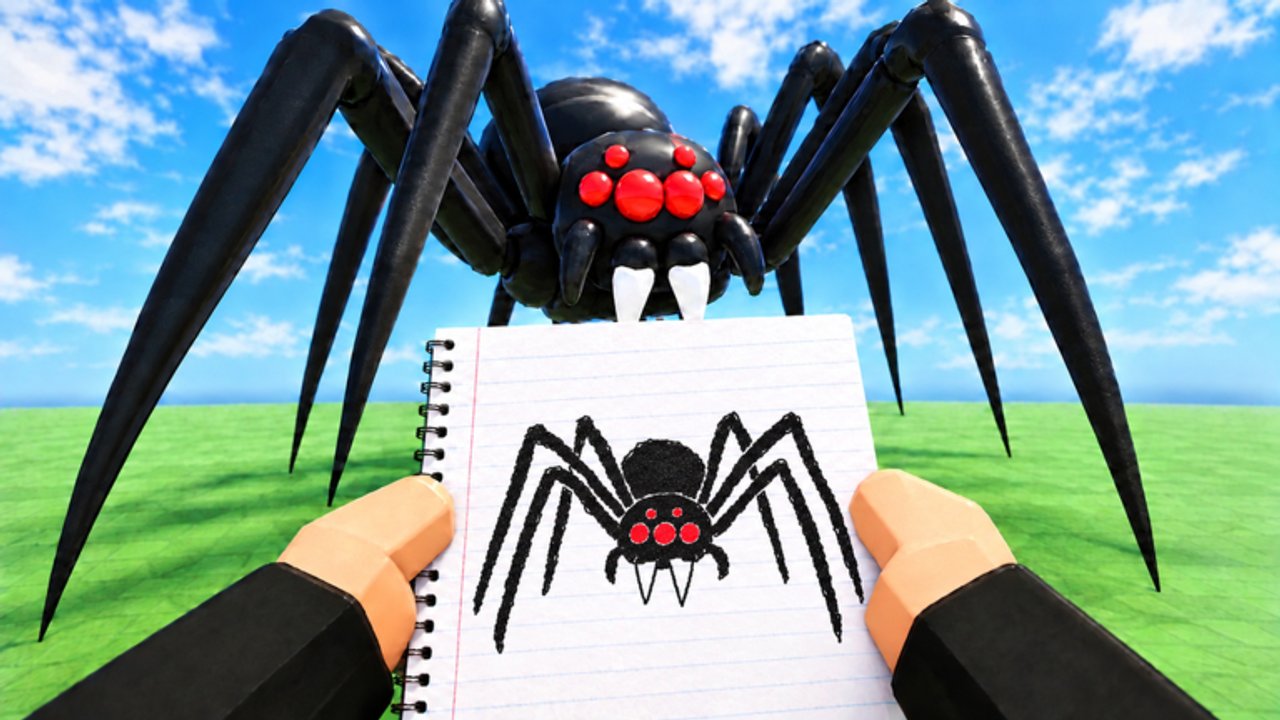
Players open Monster Maker wanting to rebuild famous monsters—film icons, game bosses, meme beasts, or viral Roblox gallery hits. This guide shows how to chase recognition without wrecking animations or pretending a script can paste someone else’s save. Watch the mid-article recreation video for visual examples, then use the breakdown method below on your own references.
Pair with How to Make Monsters for craft and Best Parts for shopping. Horror-leaning icons should also skim Scary Designs.
Ethics first
- Recreating a publicly known silhouette for skill practice is normal.
- Uploading a trace as “100% original OC” in social posts is not.
- Do not buy or run “copy monster” executors—read Scripts.
- Credit creators when you riff on a specific gallery star outside Roblox.
- Keep trademarked names out of official-looking titles if you are just practicing shapes.
Fame is a teaching tool, not a permission slip for theft tooling.
The silhouette breakdown method
- Collect three reference angles — front, side, three-quarter. Pause the embed or community screenshots.
- Trace shapes with words — “box torso, triangle head, noodle arms, pillar legs, short tail.”
- Map to Monster Maker slots — head/body/arms/legs/tail only; ignore details you cannot socket yet.
- Pick kits — nearest S/A meshes, not the spikiest limiteds.
- Type roles for the fantasy — a famous beast’s front limbs might still need arm typing to hit correctly even if lore calls them wings.
- Block proportions at 50% zoom — match limb ratios before stickers.
- Animate early — famous shapes fail loudly in walk tests; fix now.
- Add signature details last — scars, eye shapes, crests.
- Compare at distance — if friends cannot name the vibe in game modes, adjust mass, not micro-decals.
Archetypes you will recreate often
Giant head mascot
Oversized cranium, short body, bright eyes. Easy fame, hard not to look clumsy—shorten arms slightly and keep legs sturdy.
Slender horror
Tiny head, long limbs, void mouth. Follow stalker ratios; keep palette disciplined.
Heavy kaiju / bruiser
Wide torso, thick legs, small relative arms or club arms. Slam/stomp must shine.
Multi-famous chimera
Two icons mashed together. Advanced—nail each half’s battery separately before merging saves.
Gallery viral of the week
Trends die fast after updates. Steal the technique (color blocking, horn asymmetry) more than the exact mesh shopping list.
Part-type translations for iconic looks
| Visual fantasy | Likely correct types | Trap |
|---|---|---|
| Winged arms | Arms (for hit) or decorative stickers | Typing wings as tails breaks hits |
| Prehensile tail | Tail | Using a leg mesh typed wrong |
| Mouth chest | Sticker on torso | Extra “head” part confusing cameras |
| Extra legs illusion | Stickers or careful meshes | Fake legs typed as arms |
When in doubt, prioritize the animation you need in modes over lore purity.
Color and sticker translation
Famous designs often use flat graphic colors. Recreate with two base tones + accent rather than photoreal gradients that Roblox lighting muddies. Eyes should match the icon’s most recognizable shape—sometimes that means simple circles over ornate lashes.
If the reference is trademarked merch-level detailed, aim for readable homage at gallery distance. Your unlock level and codes-funded kits may not support every ridge on day one.
Session recipe (60–90 minutes)
- Pick one reference only.
- Build a neutral biped base (Getting Started).
- Push proportions toward the icon—no stickers yet.
- Run animation battery; adjust.
- Add face signature.
- Add one iconic prop (horn, fin, crest).
- Test in a mode and in browsing.
- Save
homage_name_v1and a more originalinspired_by_v1twist.
The twist save keeps your portfolio healthy.
Learning from recreation videos
Creators who rebuild famous monsters usually:
- Block silhouettes faster than beginners
- Fix types off-camera
- Limit stickers until motion works
- Accept “close enough” at mid distance
Pause often. Mimic process, not playback speed. Use Controls if selection or mirroring slows you down.
When fame and updates collide
Patches can retune animation weights or shop kits. A recreation that worked in late October may need limb length edits after early November 2026 changes. Retest before you assume you “lost the skill.”
Related paths
- Players Hub — study live gallery stars ethically
- Tier List Hub — spend for flexible homage parts
- Guides Hub — broader skill map
- Wiki — site scope and official play link
Famous monsters are puzzles. Solve the silhouette, honor the motion, decorate last—and let your own twists keep Monster Maker’s creative promise alive.
Frequently Asked Questions
Quick answers for builders, codes, and game modes.
Is it allowed to recreate famous monsters in Monster Maker?
Skill practice and homages are common. Avoid claiming traced work as wholly original and never use shady copy scripts.
Why does my recreation look right in the editor but wrong when walking?
Proportions or part types likely conflict with animations. Fix limb roles and lengths before adding trademark details.
Which parts should I buy for famous recreations?
Flexible S/A heads, torsos, and limbs from the Best Parts list. Signature cosmetics come after the rig works.
Can I follow a YouTube recreation exactly?
Use videos like the embed here for process. Pause, rebuild on your account, and add an original twist for your portfolio.
How do I make an homage feel original?
Keep the recognizable silhouette, then change palette, one proportion, or a signature prop so the save is clearly yours.